
Everything in x4u
A tour of the library, page by page.
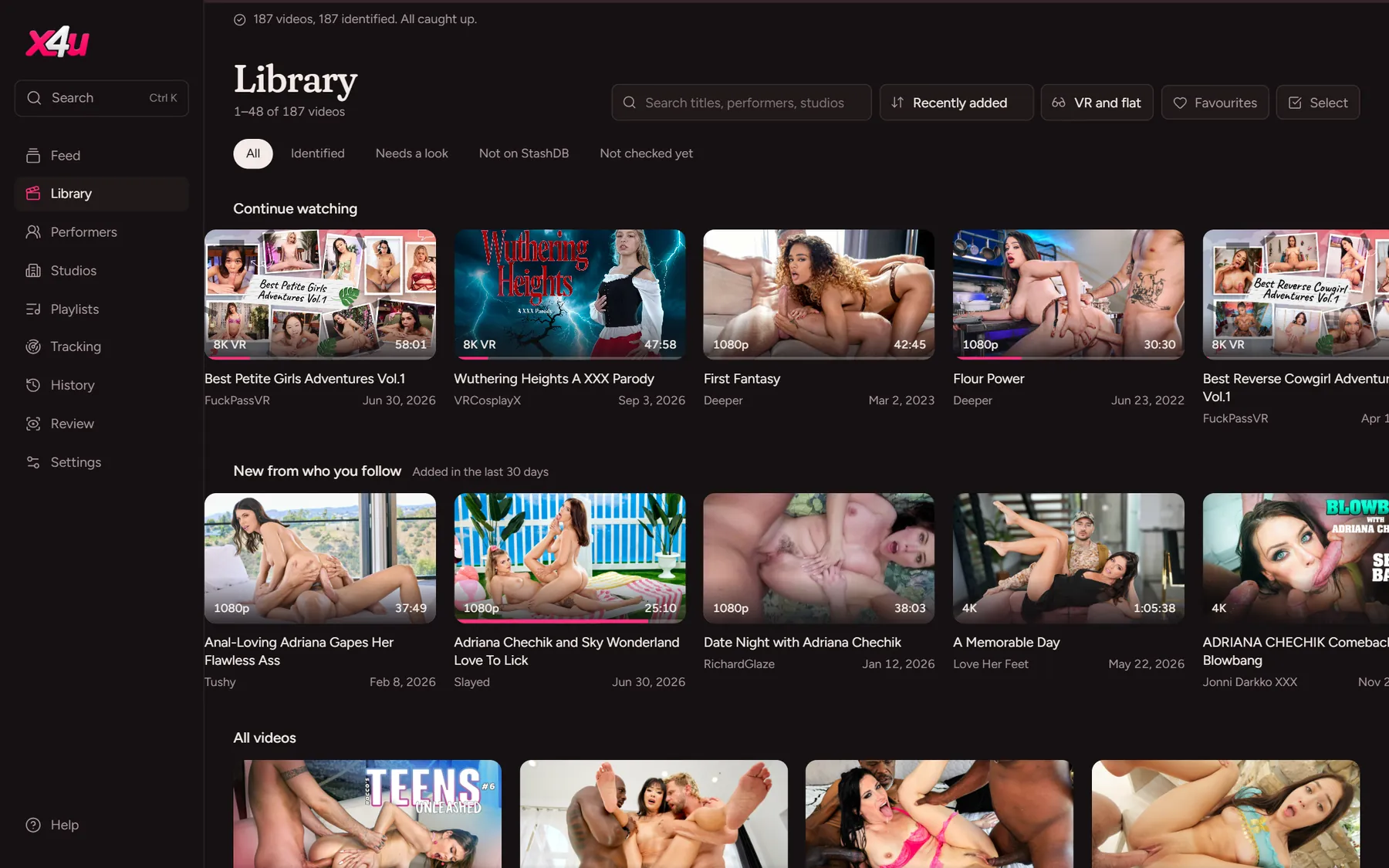
Browse it all, your way.
Continue watching and New from who you follow sit at the top, then every video with its cover, quality, length and studio. Search titles, performers and studios, sort, and filter by VR, orientation, favourites and ratings.
- Search everything at once with Ctrl+K
- Select several to favourite or save together
- Scenes start loading as you rest on them
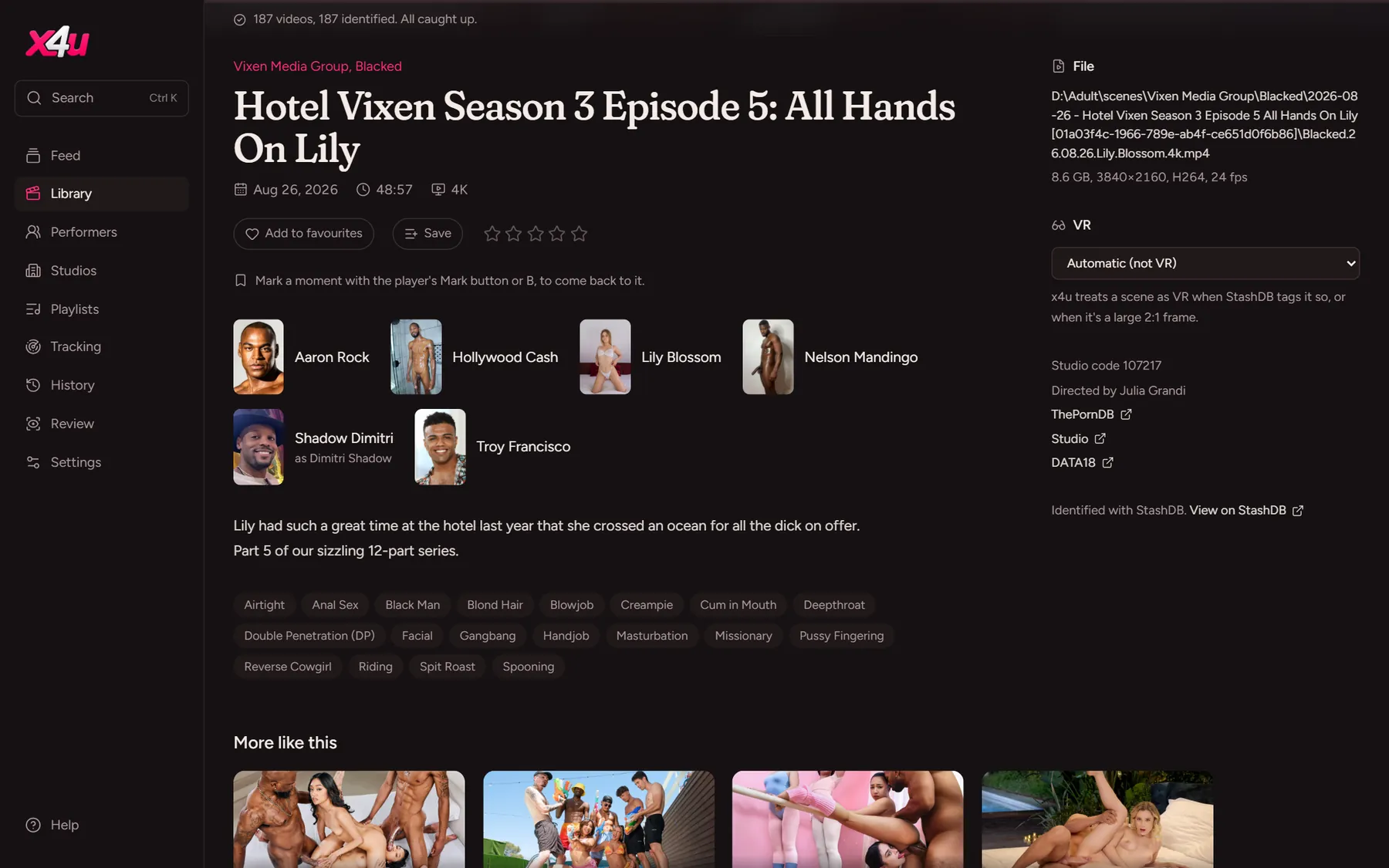
StashDB does the naming.
x4u takes each video's fingerprints, the same ones StashDB uses, and matches them to its catalogue of scenes. A clear match is applied straight away; when there's more than one, Review lets you pick, and videos StashDB doesn't know yet are checked again each week.
- Search StashDB by hand, or paste a link
- Copies of a video become one scene, keeping its plays and ratings
- Moved or renamed files keep everything
Faces and names, filled in.
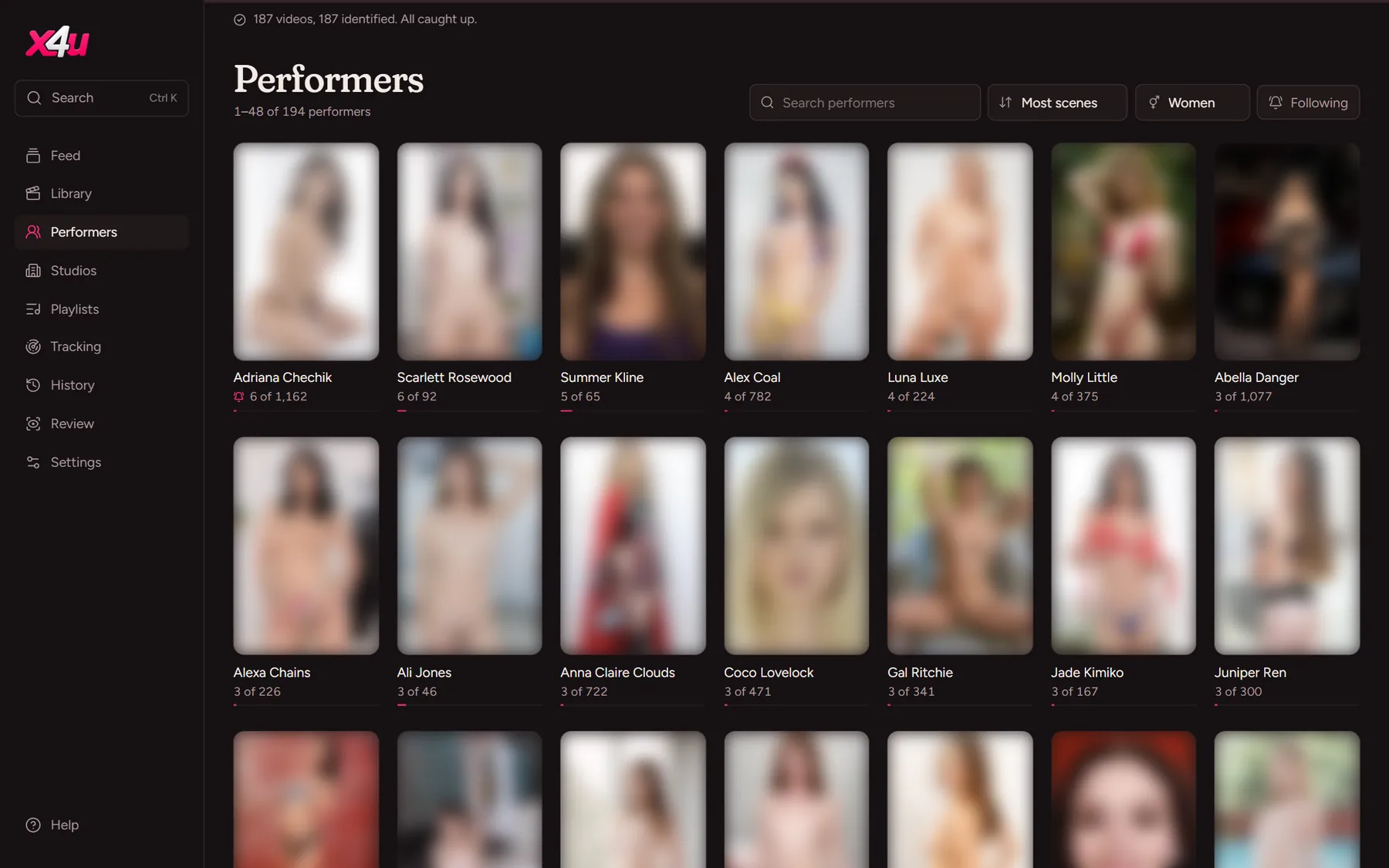
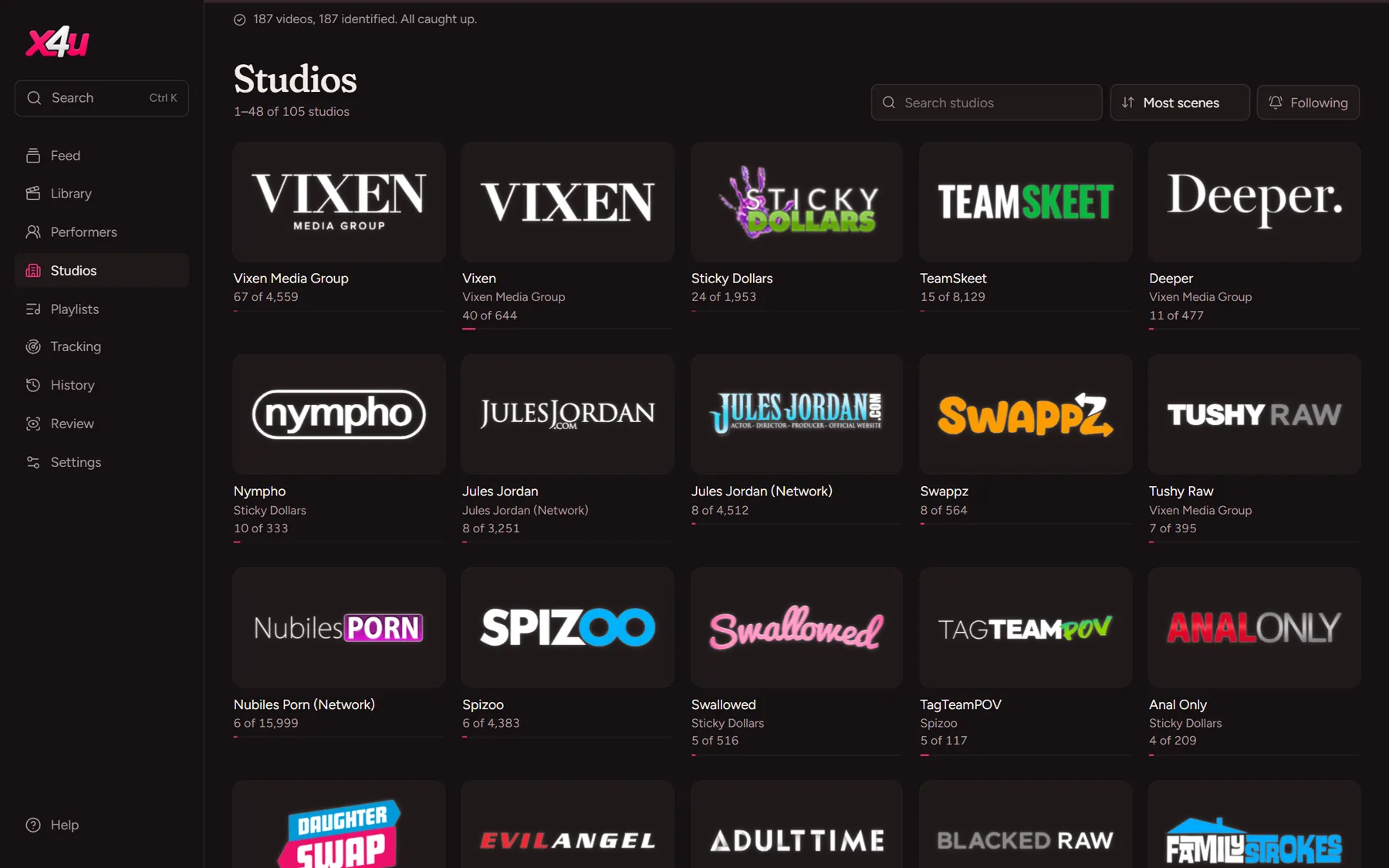
Everyone in your library and every studio, with how many of their scenes you have out of all they've made.

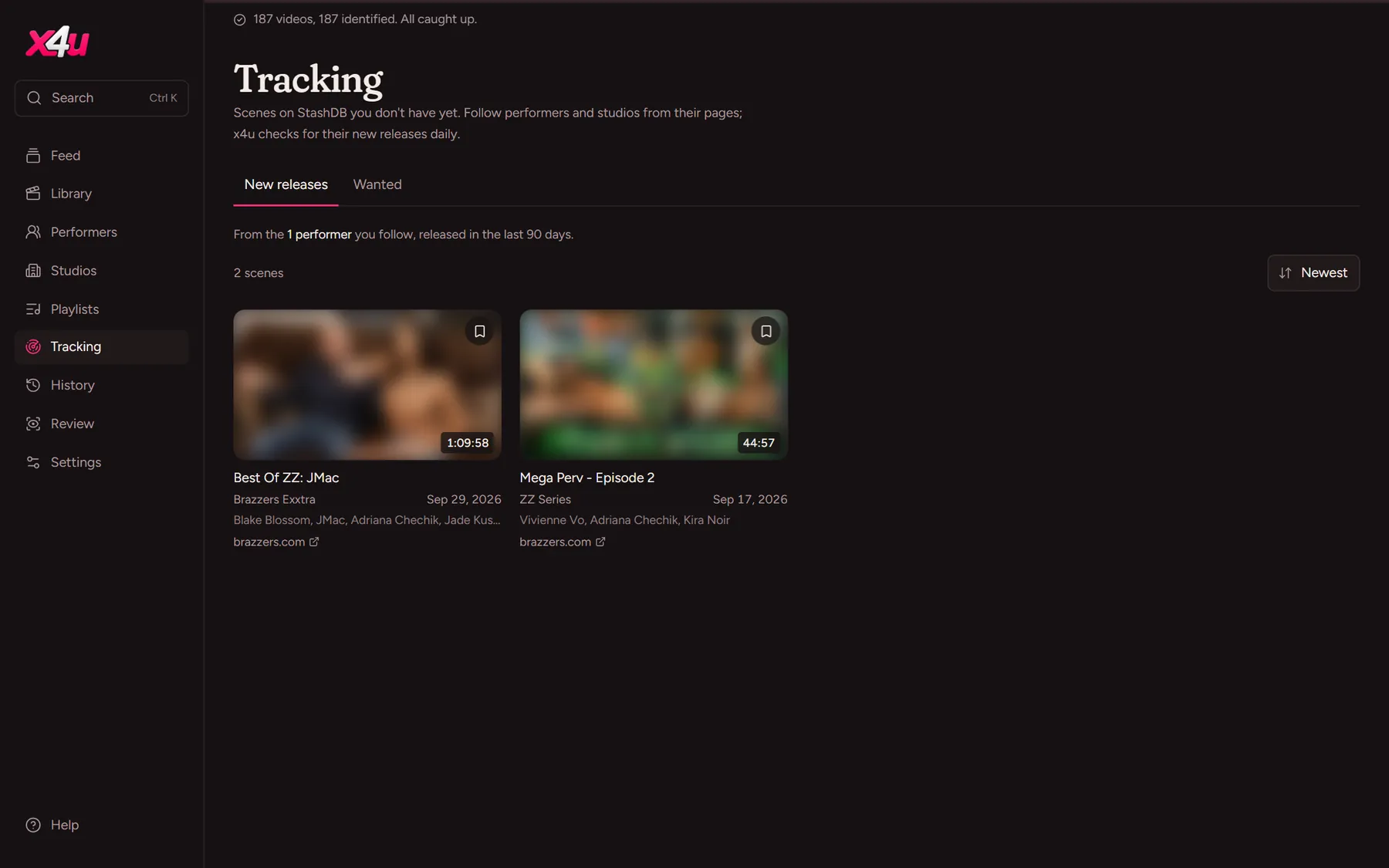
Never miss a release.
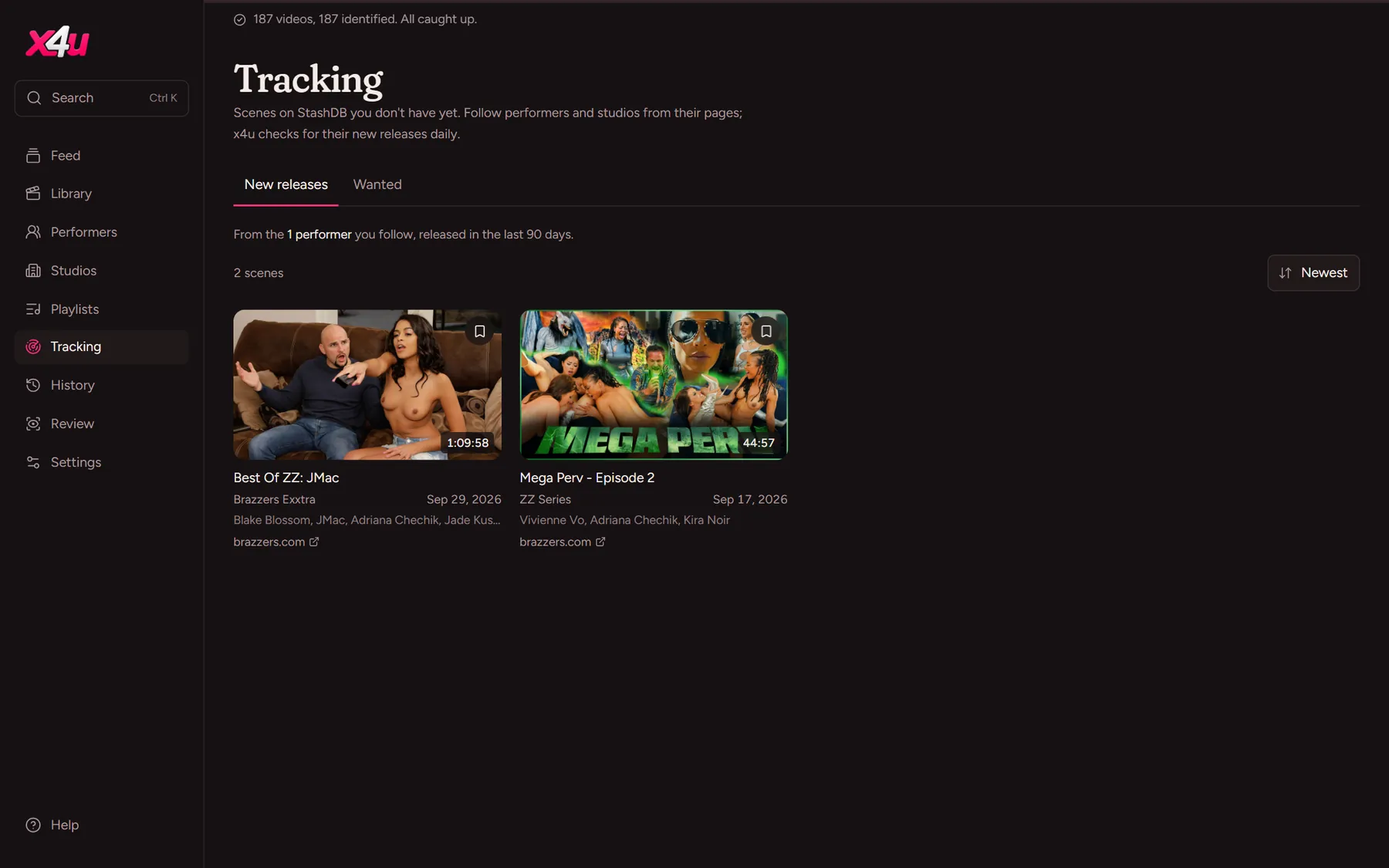
Follow performers and studios from their pages, and x4u checks StashDB daily for their new scenes. Keep a Wanted list of the ones you're after; it clears itself as they arrive in your library.
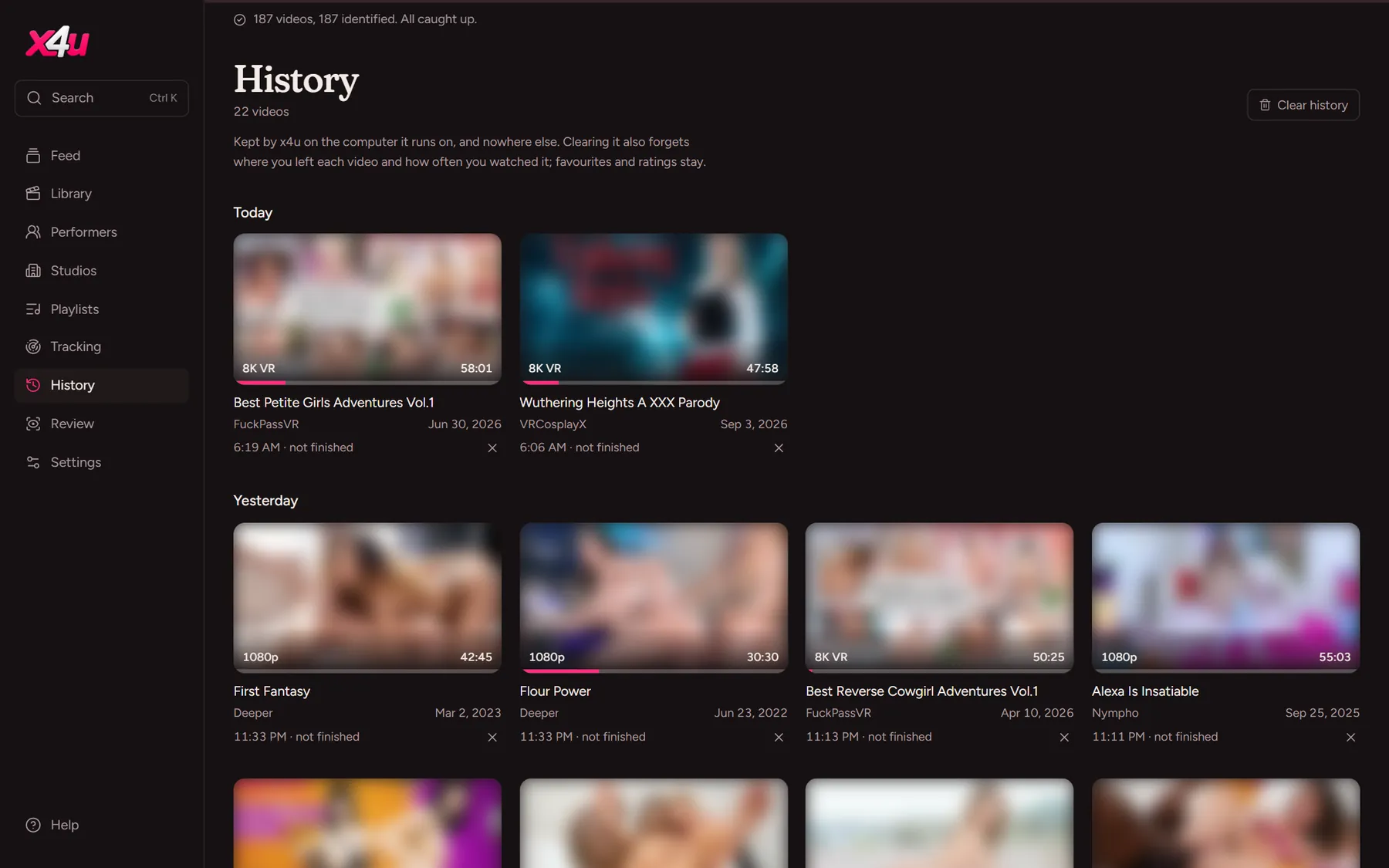
Pick up where you left off.
Every video remembers where you stopped, on whichever device you were using. History shows what you watched, day by day, and stays on your computer only.

The things you'd hope for.
The feed
One scene per screen, each playing its preview. For you learns from what you favourite, rate and watch; Shuffle mixes it all up.
Playlists
Watch later, and as many lists as you like. Reorder them, play them through or shuffled, each scene starting after the last.
Markers
Mark moments with a key or a click, named or not, and the timeline splits into chapters you can jump between.
Keyboard first
Space, J, K, L, arrows and numbers work anywhere on a scene's page. Press ? to see them all.
Backups
A copy of your library each week and before every upgrade. Back up, download and restore from Settings.
Storage
See how much room x4u takes, get a warning before the drive fills, and move its data to another drive in a click.
Big screens
On 1440p and 4K monitors everything grows to suit. Pick a size for each device in Settings.
Easy on your computer
Background work runs at low priority with a cap on memory, so it never takes over while you're watching.
In the tray
x4u sits by the clock on Windows and Linux: click to open your library, right-click to jump to any page.