
Your library, all around you.
No apps to install, no other players. Open x4u in your headset's browser and step into a theatre built for your collection, in the same look as the rest of x4u.
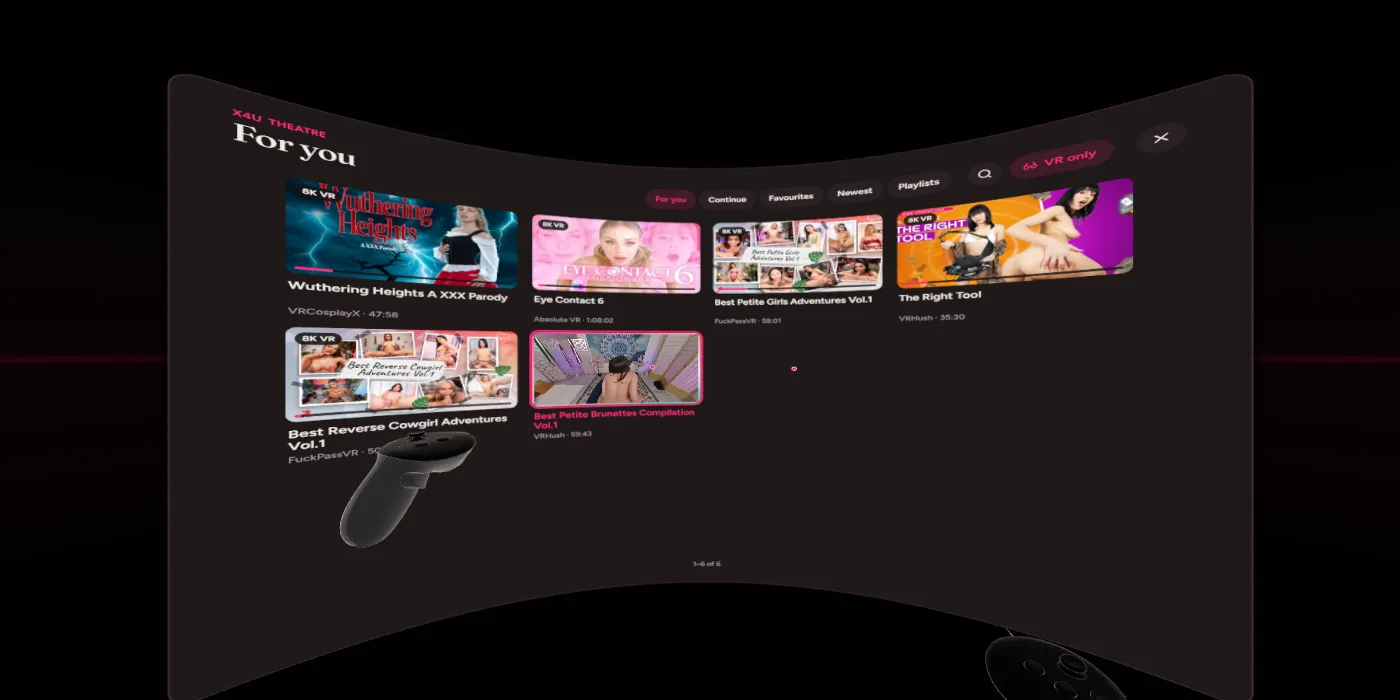
Browse without taking the headset off.
For you, Continue watching, Favourites, Newest and your playlists, on a curved wall in a space of its own. Point at a cover to see its preview, pick it, and it plays from where you left off.
- Search with a keyboard in VR
- Press a performer, tag or studio to see the rest of theirs
- VR scenes only, or everything, on a big curved screen
- Room shows your own room around the wall on a Quest
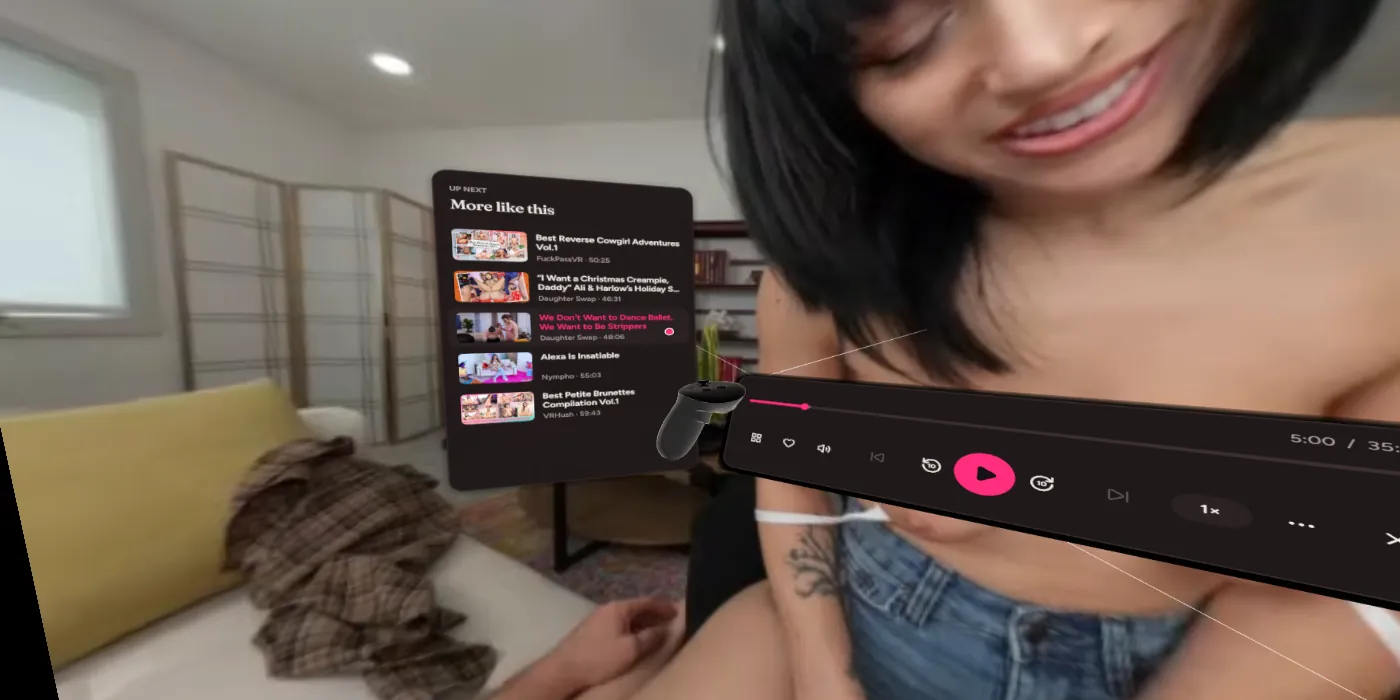
Just the video, until you want more.
Pull the trigger at nothing, or press B, and the dock rises below the view: scrub with thumbnails, set the volume and speed, skip. Beside it, the scene: who's in it, its tags and chapters, its favourite and rating. On the other side, what's up next.
- Hold the grip on a panel to swing it aside or lower it
- Hold the grip in the air to turn, tilt and zoom the picture
- Your real controllers and hands, with soft haptics and sounds
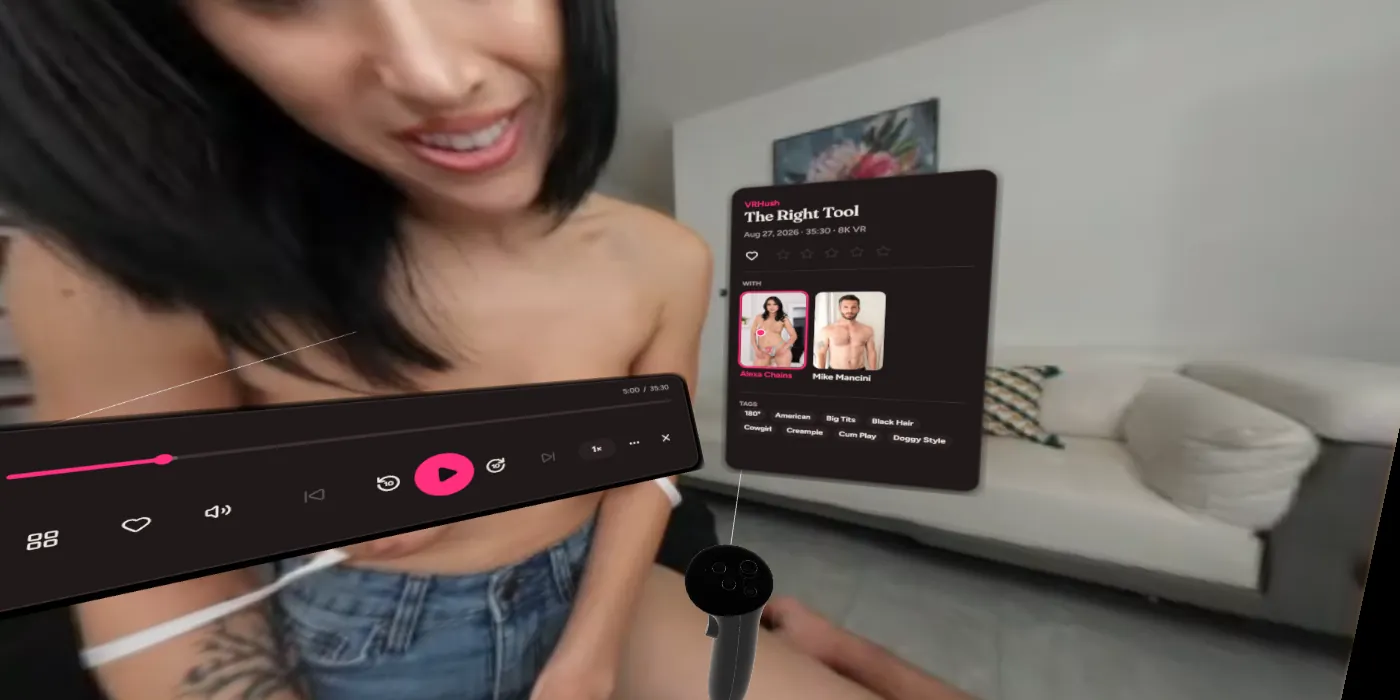
Full quality, drawn by the headset itself.
180° and 360° video goes straight to the headset's compositor, the sharpest way a browser can show it, at the video's own frame rate.
SexLikeReal passthrough, in your room.
x4u recognises SexLikeReal's passthrough videos by their picture, whatever the files are called, and cuts the performer out with the mask they carry, so only they appear in front of you, in your own room. It turns on by itself; Passthrough under More works for other videos with a plain background too.
Works with
- Meta Quest 3 and 3S
- Meta Quest 2 and Quest Pro
- Any headset whose browser supports WebXR
Ready in a few minutes.
Headsets only play VR on secure pages, so x4u makes a certificate of its own for your network. Your headset installs it once.
- Let other devices inIn x4u, turn on Settings → Other devices, and set a PIN if you like.
- Install x4u's certificate on the headsetSettings → Other devices shows the address to open in the headset's browser and walks you through it.
- Open the secure addressUse the https address shown there. Bookmark it.
- Enter the TheatreIt's in the sidebar, or press Enter VR on any VR scene.