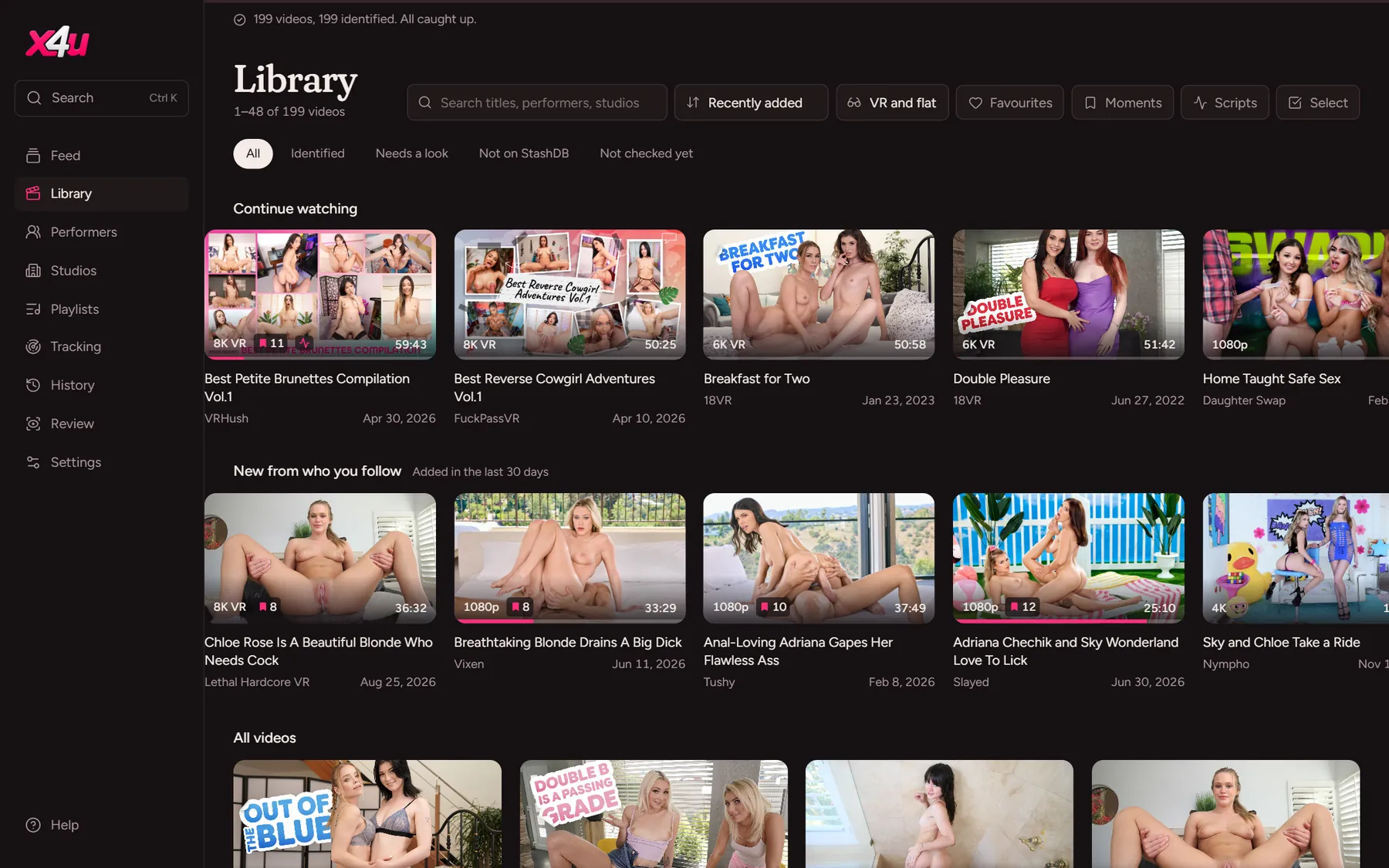
3. Connect StashDB
Add your free StashDB key, and x4u names your scenes, performers and studios.
StashDB is a shared catalogue of scenes. x4u matches your videos to it by their fingerprints, not their file names, so it finds them however they're named.
- Make an accountSign up at stashdb.org.
- Copy your API keyIt's on your profile page there.
- Paste it into x4uOn the first screen, or later in Settings → StashDB. x4u fills in titles, performers, studios, dates and covers for every video it recognises.
Not everything matches on the first try:
- More than one possible match: the scene waits in Review for you to pick.
- No match: it's listed under Review → Not found. Search StashDB from there; x4u fills the search in from the file name and puts the likeliest results first. Or paste a scene's link from the StashDB website.
- Still nothing: x4u asks StashDB again each week, since people add fingerprints all the time.
Two files of the same scene, such as a copy or a download in another quality, become one scene that plays the better file. Your files stay where they are.